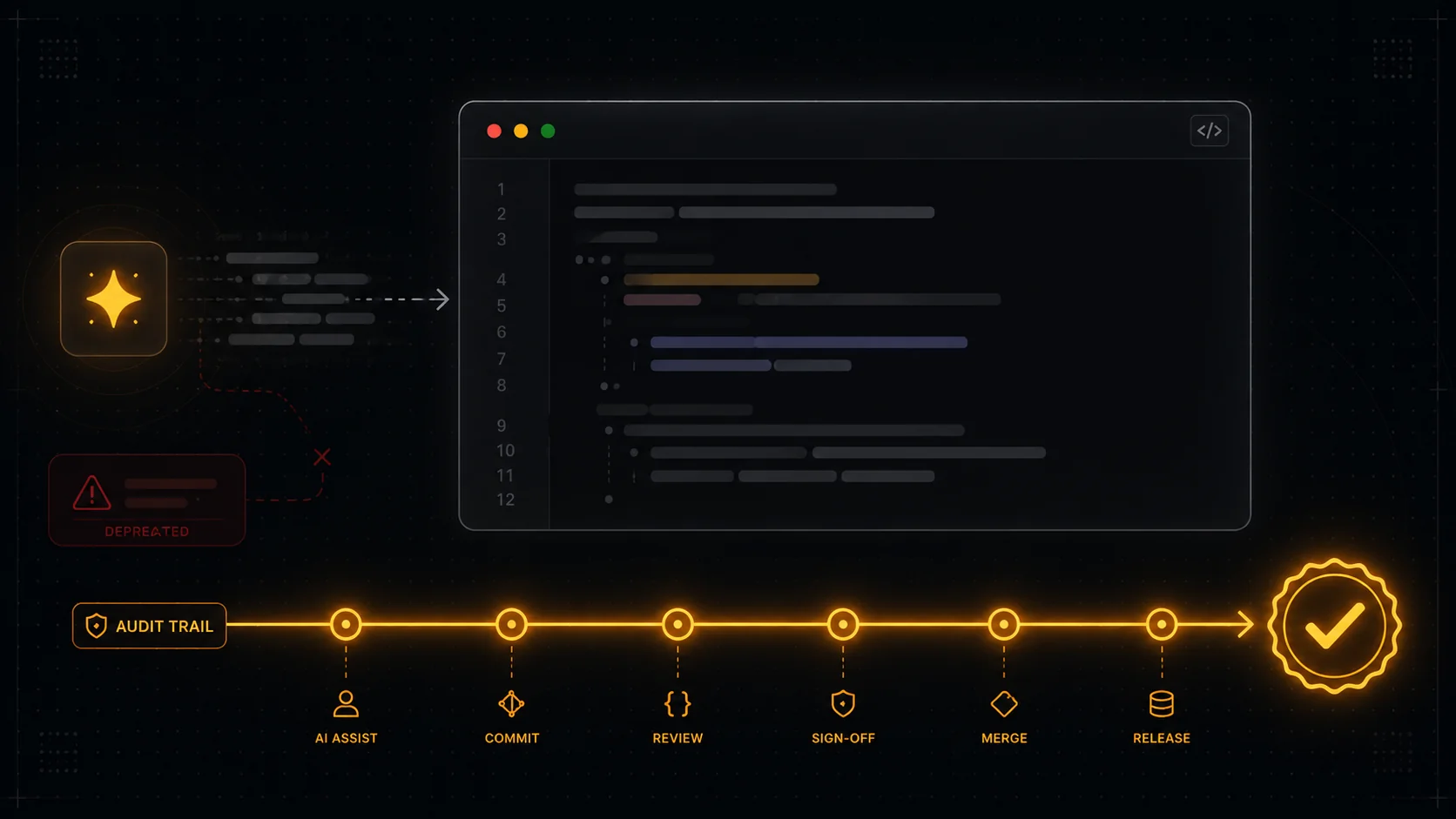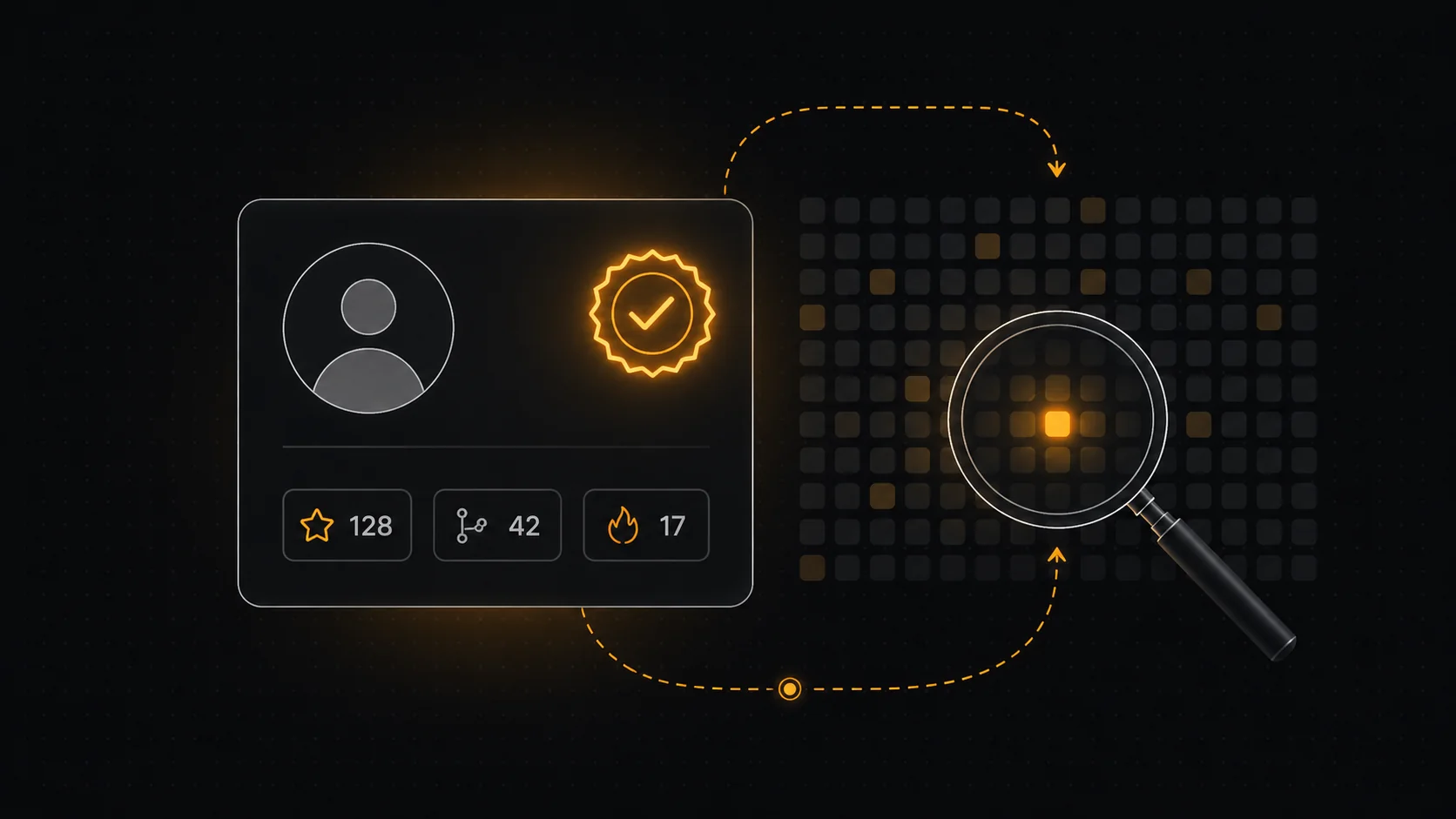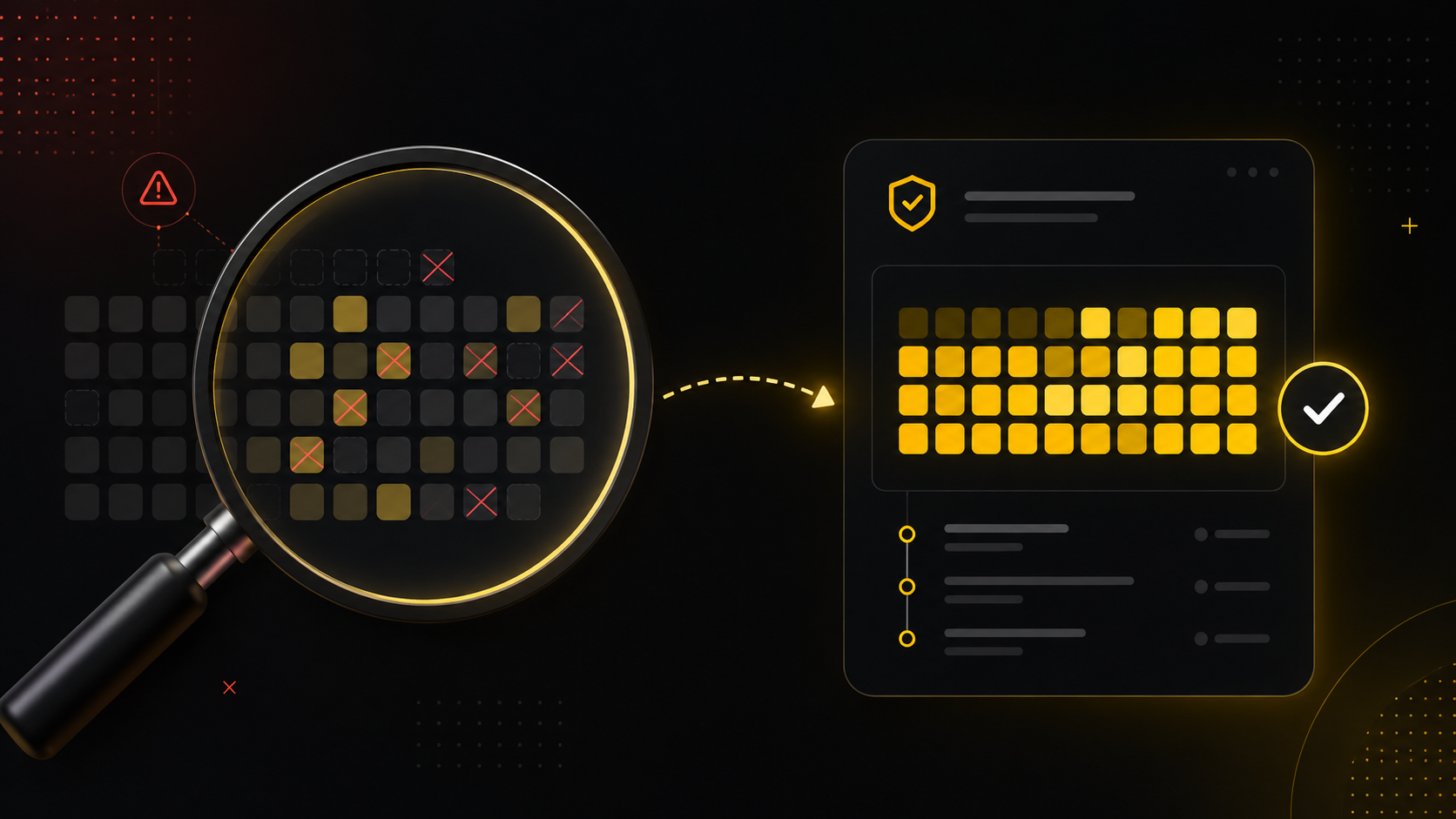
To verify GitHub contributions, do not trust the contribution graph. Open the actual commits, confirm the author and committer identity, read the diffs for real change, and check that the work shipped where it claims to. The graph is a count of events, not a record of work, and you can fill it green in an afternoon without writing anything that matters. Below: how to read what is really there, the four checks that hold up, and where the whole approach quietly breaks in an AI-assisted codebase.
The graph was never the proof
Most developers learn this the first time they open a candidate's profile, see a wall of green, and then open the repos behind it to find a year of README typo fixes and a bot committing dependency bumps. The squares were honest about one thing only: something happened on those dates. They said nothing about who did it, how hard it was, or whether it survived code review.
This matters more now than it did three years ago. A contribution graph counts commits, pull requests, issues, and reviews against the default branch of repos you own or have pushed to. Every one of those is a self-reported event. You can backdate commits, author them under any email you like, and push a thousand of them through a loop. None of that is exotic, and recruiters and engineers who hire have seen all of it. So the real question is not "are the squares green" but "what is underneath them, and does it check out."
This is the quiet reframe worth holding onto: the green graph is a claim, not a credential. Verifying contributions means doing the work the graph skips, which is reading the commits as evidence rather than as a score.
What the contribution graph actually counts
If you have ever wondered why two developers with wildly different impact can have near-identical graphs, this is why. The graph is a visualisation layer over a narrow set of events, and it deliberately flattens them all to the same shade of green.
It counts commits to the default branch, merged and opened pull requests, opened issues, and pull request reviews, attributed to the GitHub account whose verified email matches the commit. It does not count the size of a change, whether the code was kept or reverted, whether tests passed, whether anyone reviewed it, or whether a human or an agent wrote it. In practice this means a one-character commit and a three-hundred-line feature land as the same square. The graph is a heatmap of activity, and activity is the cheapest thing in software to manufacture.
There is a second gap people forget. Private contributions only show if the user opts in, and even then they show as anonymous green with no detail. So a graph can understate a serious engineer who works in private repos, and overstate someone who farmed public noise. Either way, the square is not the signal. The commit is.
The four checks that actually verify a contribution
Before the list, here is the situation it is built for: you are looking at a profile or a repo and you need to know whether the person did the work they appear to have done. These four checks move you from "the graph looks active" to "I have seen the evidence," and they go from fastest to most thorough.
- Confirm authorship, not just the avatar. Open a commit and look at both the author and the committer fields, plus the email behind them. Git lets anyone set
user.nameanduser.emailto any string, so a commit can carry someone else's name without their involvement. A "Verified" badge means the commit was GPG or SSH signed by a key GitHub has on file for that account, which is the one identity signal that is hard to fake. Unsigned commits are not proof of anything by themselves.
- Read the diffs for real change. Click into the actual file changes on a handful of the person's commits. You are looking for substance: logic, structure, decisions, tests. You will often see the tell of farmed activity here, which is hundreds of commits that only touch whitespace, version bumps, generated files, or a README. Real contribution shows up as code that does something, reviewed by someone, merged into a branch other people depend on.
- Trace the work to where it shipped. A commit on a personal fork that no one merged is a draft, not a contribution. Follow the pull request: was it opened against the real project, reviewed, approved, and merged? Check the merge commit and the closing reference. This is usually the point where inflated profiles fall apart, because the activity exists but it never landed anywhere that counts.
- Sanity-check the timeline against the claim. Line up the commit history against what the person says they did. A "built over six months" project whose entire history is one squashed commit at midnight tells you the visible history is not the real history. Almost always, genuine work leaves an uneven, human trail: bursts, gaps, fixes, follow-ups. A suspiciously smooth or suspiciously dense graph is worth a second look.
Run those four and you have done more verification than the green graph will ever give you. None of them require special tooling, just the willingness to treat the commit, not the square, as the unit of proof.
Why AI made this harder, and sharper
Assume the person you are checking builds with Claude, Cursor, or Codex, because in 2026 most of them do. That changes what a commit tells you. An agent can generate a three-hundred-line diff in seconds, so volume now says even less about effort than it used to, and a clean, large, well-structured commit is no longer evidence of a long human session. The old instinct of "big diff equals hard work" is exactly the instinct AI broke.
It cuts the other way too. A single tiny commit can sit on top of an hour of a developer reading, deciding, and steering an agent through three wrong attempts before the right one. The graph shows one square. The work was real and the square undersells it. This is the core reason commit volume cannot be read as time: it overstates the agent-heavy work and understates the thinking-heavy work, often on the same profile.
So the verification question quietly splits in two. Did this person write or genuinely drive this code, and how much of the visible output reflects their effort versus an agent's. The contribution graph answers neither, which is precisely why it is a weak proof in an AI-assisted world and why the honest signal has moved from "how green" to "how do you know."
Where DevClocked fits
For most casual checks, you do not need a product. If you are skimming an open-source contributor before a small PR, reading a few signed commits and their diffs by hand is enough, and a plain GitHub profile does the job. If someone works entirely in private repos and just wants a clean public face, a portfolio site or a README is the right tool, and reaching for verification infrastructure would be overkill. Be honest about that: a lot of the time, the green graph plus ten minutes of reading commits is all the verification a situation warrants.
DevClocked earns its place when the stakes are higher and the claim is "I shipped this and I drove it," not "I was active." Instead of leaving you to reconstruct effort from squares, it measures what you and your AI coding agents actually produced, the leverage behind it (output per unit of real effort), and the work blocks the output came from. The mechanism is a git baseline read from commit history as a benchmark, combined with telemetry from a lightweight editor extension and an editor-agnostic CLI that captures real activity events, including agentic work in Claude Code, Cursor, and Codex. A model learns the relationship between the commits and the telemetry over time, so the result is a calibrated record rather than a guess. Git alone stays a benchmark and never a clock. That produces a profile that proves what you shipped, audited to source, with AI-versus-human attribution that the contribution graph structurally cannot offer. If you want the graph to mean something to the person reading it, start a DevClocked profile and let the record speak. It is worth saying plainly: this is the tool I build, and I build it in public.
Common mistakes when verifying contributions
The most frequent error is treating the total contribution count as a score and stopping there. The number is the least informative thing on the page. A close second is trusting the green of private contributions, which carries no detail at all and can be toggled on for an empty year. People also over-index on streaks, which reward consistency of activity, not quality, and which any scheduled job can maintain. Finally, do not assume an unsigned commit under someone's name is theirs, and do not assume a signed commit proves the code is good, only that the identity is real. Verification is reading, not counting.