Why people want to skip the IDE plugin in the first place
Most developers who search for a coding time tracker without an IDE plugin are not being difficult. They have a concrete reason, and usually it is one of a short list. This section covers what is actually driving the request, because the right answer depends on which reason is yours.
Quick Answer
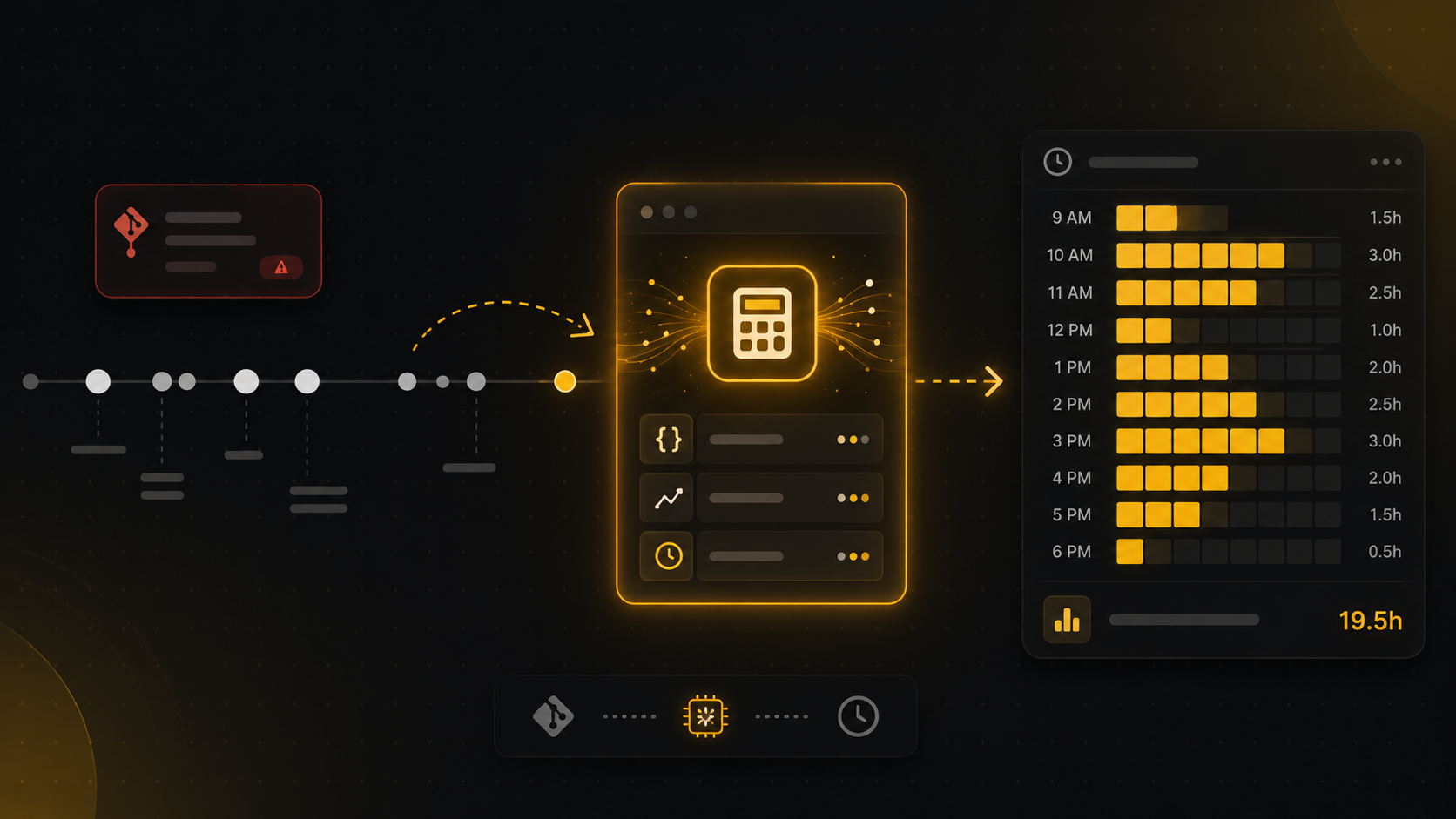
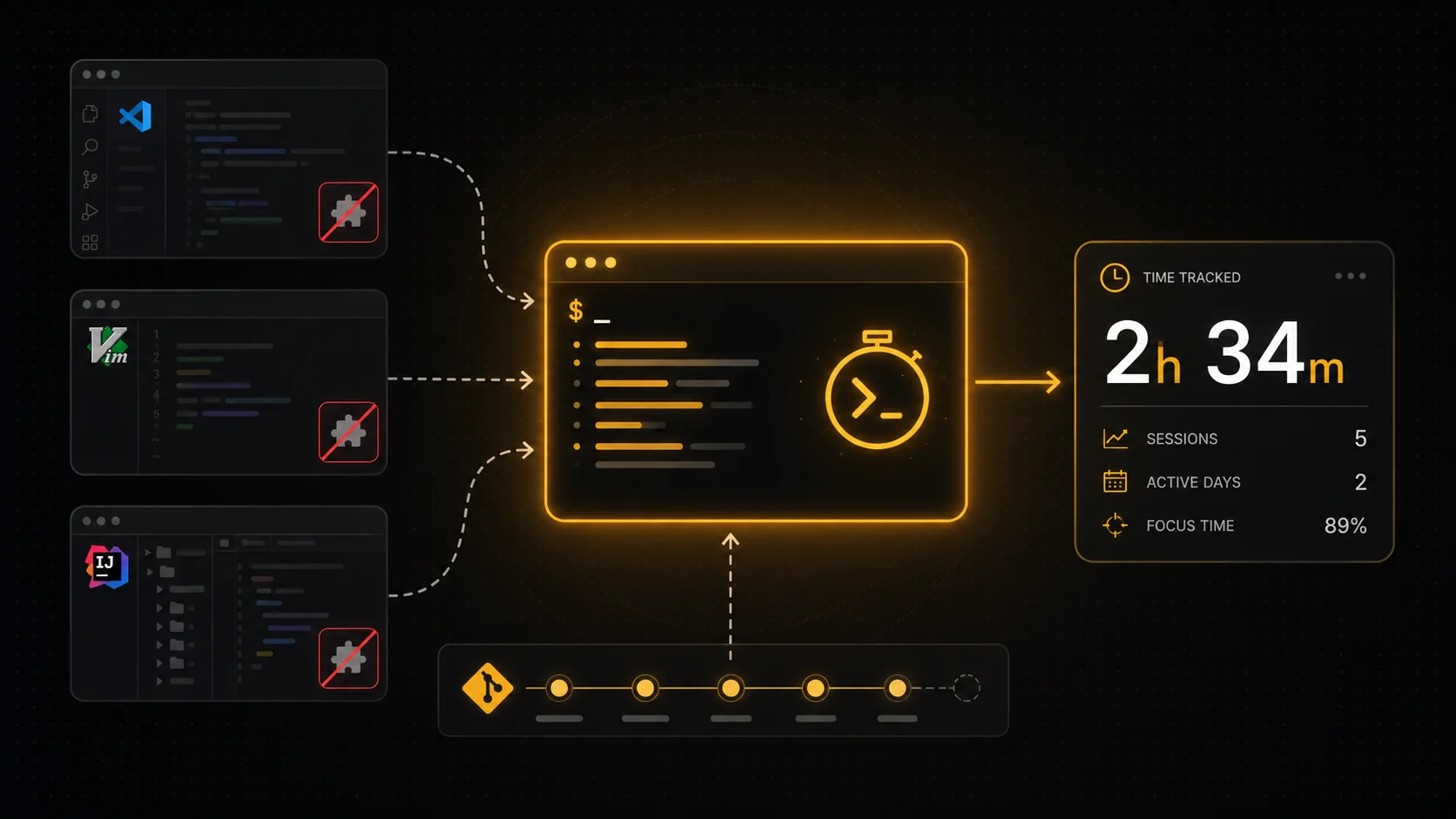
To track coding time without an IDE plugin, you have two honest options that stack. Start with a git baseline, which reconstructs work sessions from your commit history and needs nothing installed in any editor. Then, for accuracy, add a single editor-agnostic CLI tracker that captures real activity from the command line and agentic sessions, instead of a separate plugin for each editor you use. The git baseline is a useful benchmark but not an accurate clock, especially now that AI generates large diffs in seconds. The CLI layer is what makes the number trustworthy, because it watches the work as it happens. This is exactly how DevClocked is built: a git baseline plus one cross-editor tracker, fused by a model that learns the relationship between the two. Below is why per-editor plugins fail, the methods compared, and how to pick.
The first is tool sprawl. If you live in VS Code, a terminal, Cursor, and occasionally a JetBrains IDE, a per-editor plugin means installing, configuring, and updating the same tracker four times, and any editor you forget is a hole in your data. The second is that plugins miss half the modern workflow. A growing share of real work now happens in the terminal and in agentic sessions with Claude Code, Codex, or Cursor's agent, and an editor-only plugin simply cannot see a command-line session. The third is policy: plenty of teams restrict what extensions can run inside a corporate editor, and a CLI or a git-based read is far easier to clear. In practice, when someone says "no plugin," they almost always mean "I do not want a fragile, per-editor thing that misses my real work," not "I refuse to install any software at all." That distinction shapes everything below.
What "without a plugin" really means
There is a quiet confusion baked into the phrase, and it is worth clearing up before you choose a tool. "Without an IDE plugin" can mean two different things, and conflating them leads people to the wrong setup.
The strict reading is "nothing installed anywhere," which only a git-based tracker satisfies, because it reads a history that already exists. The practical reading is "no per-editor plugin," which is what most people actually want, and that is satisfied by a single editor-agnostic tracker that runs once across everything you do. You will often see WakaTime marketed around the editor plugin, with one extension per IDE. The no-plugin angle is really a reaction to that model. So the useful question is not "zero install versus install," it is "one tracker that follows me everywhere versus a plugin I have to bolt onto each editor." Almost always, the second framing is the one that gets you accurate data without the maintenance tax.
The methods compared
There are five realistic ways to track coding time when you want to avoid per-editor plugins, and they trade off install effort against accuracy and code-awareness. Here is how they stack up before we get into the two that actually win.
| Method | What you install | Code and AI aware | Accuracy | Best for |
|---|---|---|---|---|
| Git baseline | Nothing (reads commit history) | Sees commits, not effort | Approximate benchmark, drifts with AI | A zero-install rough picture, a cross-check |
| Editor-agnostic CLI tracker | One CLI, runs everywhere | Yes, including terminal and agent sessions | High, observed activity | Accurate time across editors and agentic coding |
| Per-editor IDE plugin | One plugin per editor | Editor-only, misses the terminal | Decent inside that editor, blind elsewhere | People who live in a single editor |
| OS-level general tracker | Background desktop app | No, not code-aware | Tracks app focus, not coding effort | Whole-workday tracking, non-code work |
| Manual timesheet | Nothing or a timer app | No | Low, memory and rounding bias | Compliance when nothing else is allowed |
The pattern is clear once it is laid out. The two approaches that respect "no per-editor plugin" while still producing something you can trust are the git baseline and the editor-agnostic CLI tracker, and they are strongest together rather than apart.
The git baseline: useful, but a benchmark not a clock
If you want a coding time tracker with literally nothing installed, the git baseline is the only honest option, and it gets you further than people expect. It reconstructs sessions from commit timestamps: it groups commits that cluster in time, treats a long quiet gap as the end of a session, and estimates elapsed time from the shape of that activity. For someone who commits steadily, that produces a believable baseline you can sanity-check against.
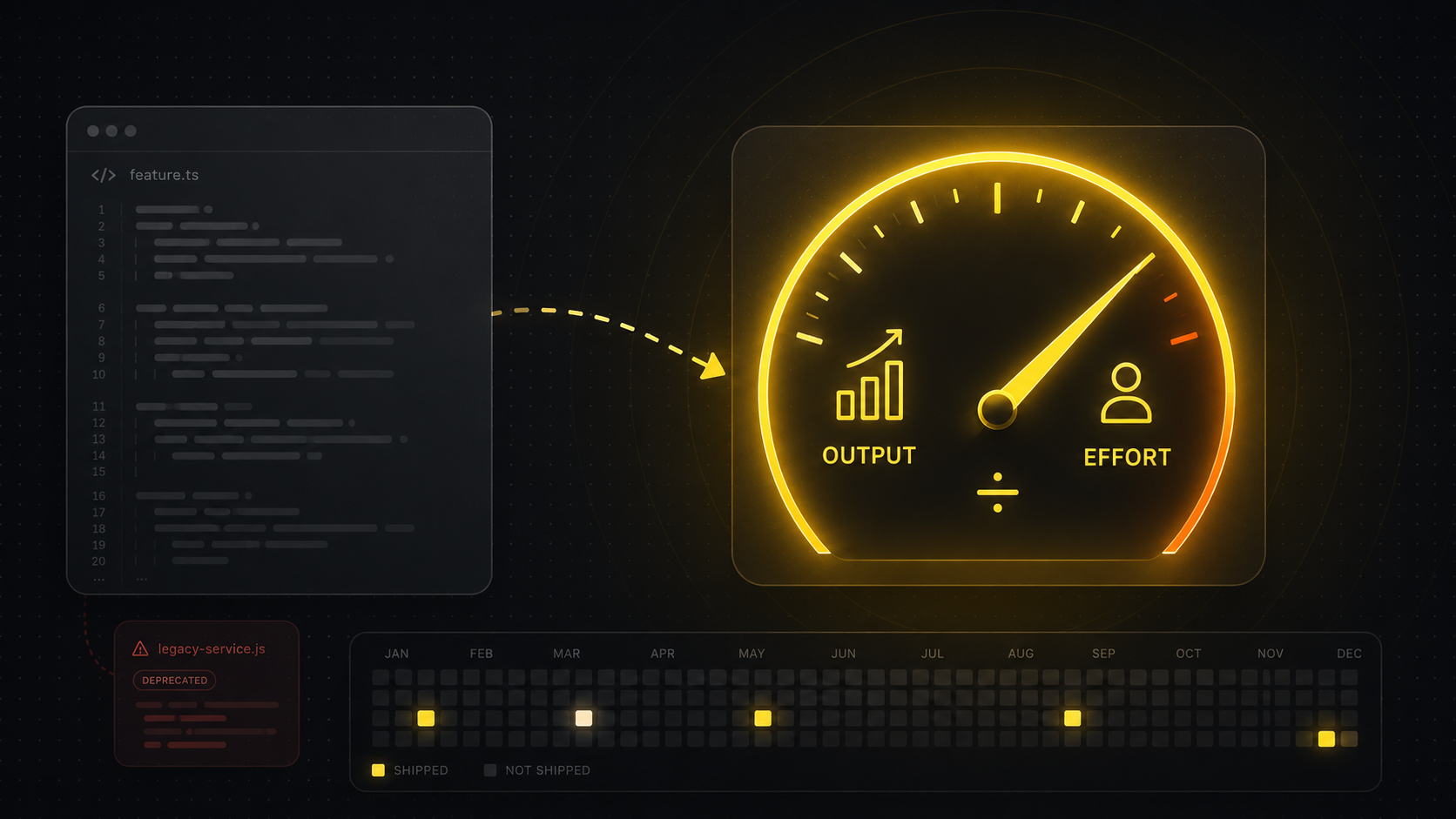
Here is the limit, and it is the reason this page exists rather than ending here. Git records output, not effort, and in 2026 output has come apart from time. An agent can generate hundreds of lines in seconds, so a huge commit can represent two minutes, while a one-line fix can follow an hour of reading and prompting. This is why a git-only tracker misjudges modern, AI-assisted work: it is measuring the artifact, and the artifact no longer correlates with the hours. Treat the git baseline as a benchmark and a cross-check, never as an accurate clock. For the full version of this argument, see how to track coding time from git.
The editor-agnostic CLI tracker: the accurate layer
If the git baseline infers time after the fact from output, a CLI tracker measures it while it happens, which is the only way to get it right without a plugin per editor. One lightweight command-line tracker runs across your whole environment and captures the activity signal directly: active sessions, terminal work, and the agentic coding that editor plugins are blind to. This is usually the point where the no-plugin question quietly resolves itself, because a single CLI is not a per-editor plugin, it is one tracker that follows you everywhere.
The reason this matters more every month is that the terminal and the agent are no longer the edge of the workflow, they are increasingly the center of it. When you drive Claude Code or Codex from a shell, an editor-only tool sees nothing, but a CLI tracker sees the whole session. This is what actually separates a trustworthy number from a guess: it observes the hour you spent debugging that ended in a one-line commit, and it sees that the giant AI-generated diff took minutes, precisely the cases where git is fooled. In a world where code is cheap to generate, watching the work is the only reliable way to measure the work.
Where DevClocked fits
DevClocked is built around exactly this stack, but it is not the right answer for everyone, so here is the honest version. DevClocked leads with leverage and output: it measures what you and your AI coding agents actually shipped, then turns it into a record you can stand behind. The mechanism is the one described above: a git baseline that needs no per-editor plugin, plus one editor-agnostic CLI tracker that covers terminal and agentic coding, with a model that learns the relationship between your commits and your measured activity so the estimate calibrates over time.
Now the cases where it is not the pick. If you genuinely refuse to install anything at all, you are left with the git baseline alone, and you should treat it as approximate, not accurate. If you want your entire non-coding workday tracked, including meetings, docs, and browsing, a general OS-level tracker like RescueTime or ActivityWatch fits the job better, because DevClocked is deliberately about code. And if you live happily inside a single editor and never touch the terminal, a per-editor plugin will serve you fine, and you can see how the best WakaTime alternatives compare, or read the WakaTime alternative without a plugin breakdown and the head-to-head on the DevClocked vs WakaTime page. DevClocked earns its place when your work spans editors and the terminal, you want accurate time rather than a commit-count guess, and you want that time to double as proof of what you shipped, audited to source. That last part is the real point: a number grounded in observed activity is something you can show a client or a recruiter, where a self-reported timesheet or a padded contribution graph is just a claim.
Common mistakes
The most common mistake is treating a per-editor plugin as complete coverage. It tracks the editor and quietly drops everything you do in the terminal, which on an AI-assisted workflow can be a large fraction of the real work. The second mistake is the opposite overcorrection: assuming a git-only reading is accurate because it is automatic. Automatic is not the same as accurate, and a git-only number drifts further the more you lean on AI. The third is reaching for a general desktop tracker and expecting code-level insight from it. It can tell you that you had an editor focused for three hours, but not what shipped or how much of it was yours, which is the thing you actually wanted to know.
Related Guides
- How to track coding time from git: the git baseline in full, and why telemetry is the accurate layer.
- WakaTime alternative without a plugin: the no-per-editor-plugin switch, compared.
- Estimate developer hours from commits: using the git benchmark for estimates and invoices, with its caveats.
- Best WakaTime alternatives: how the major trackers capture time, ranked and compared.