What commit history can and cannot tell you
If you have ever scrolled back through a project's log trying to reconstruct how long it really took, you already know the frustrating part: the answer is in there, but only in outline. This section covers what the log genuinely encodes before you start doing arithmetic on it.
Quick Answer
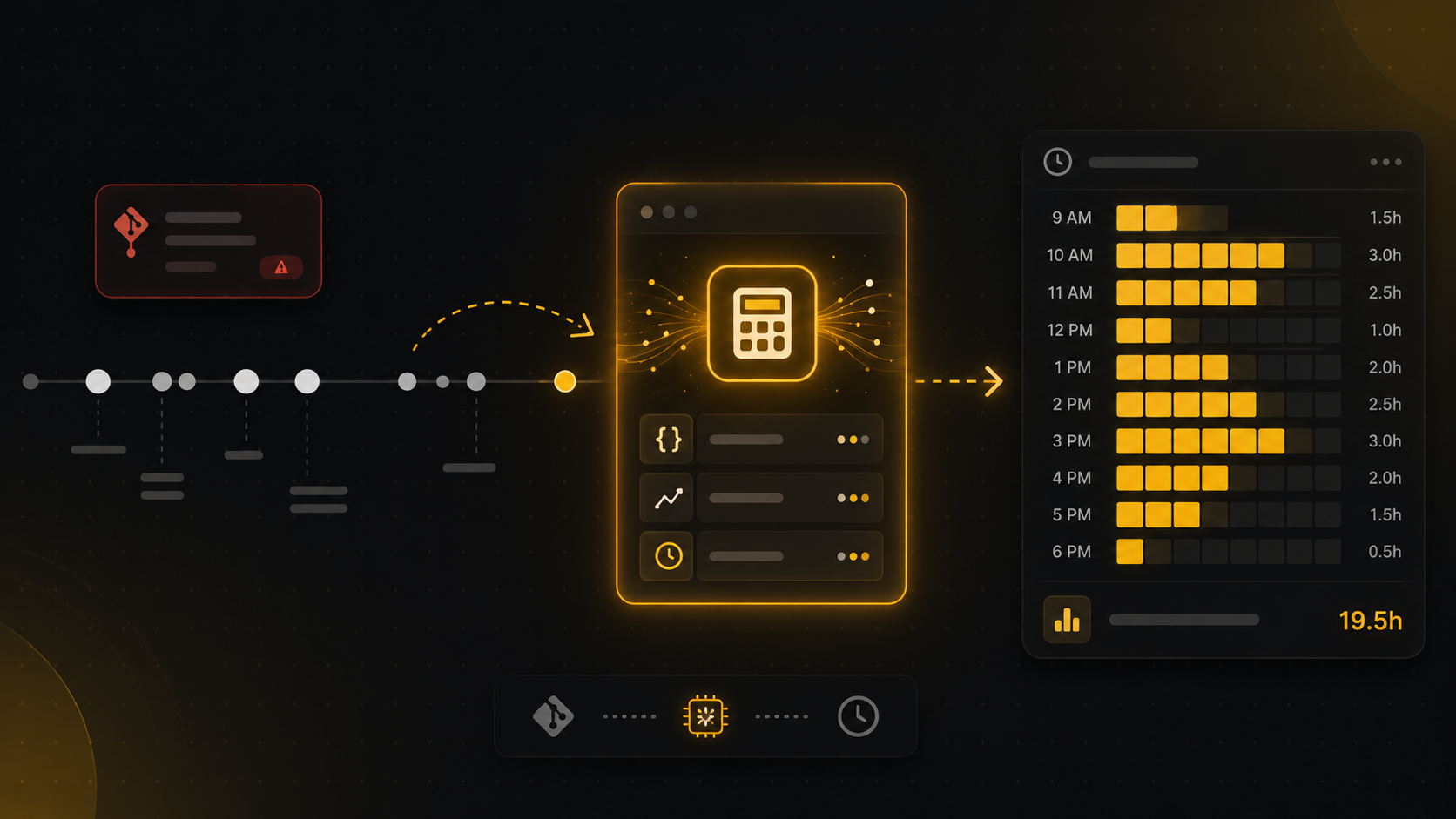
To estimate developer hours from commits, do not count commits or lines changed. Reconstruct sessions instead: sort your commits by timestamp, group commits that land within roughly two hours of each other into one session, add a fixed lead-in (around 30 to 60 minutes) before the first commit of each session to cover the uncommitted ramp-up, and sum the sessions. It works because commit spacing approximates working rhythm even though individual commits do not. The result is a defensible baseline, not an accurate clock, and in 2026 the gap between the two is wider than ever because AI agents generate huge diffs in seconds. Below: the method step by step, a worked example, where the estimate breaks, and how to turn the number into something a client will pay against.
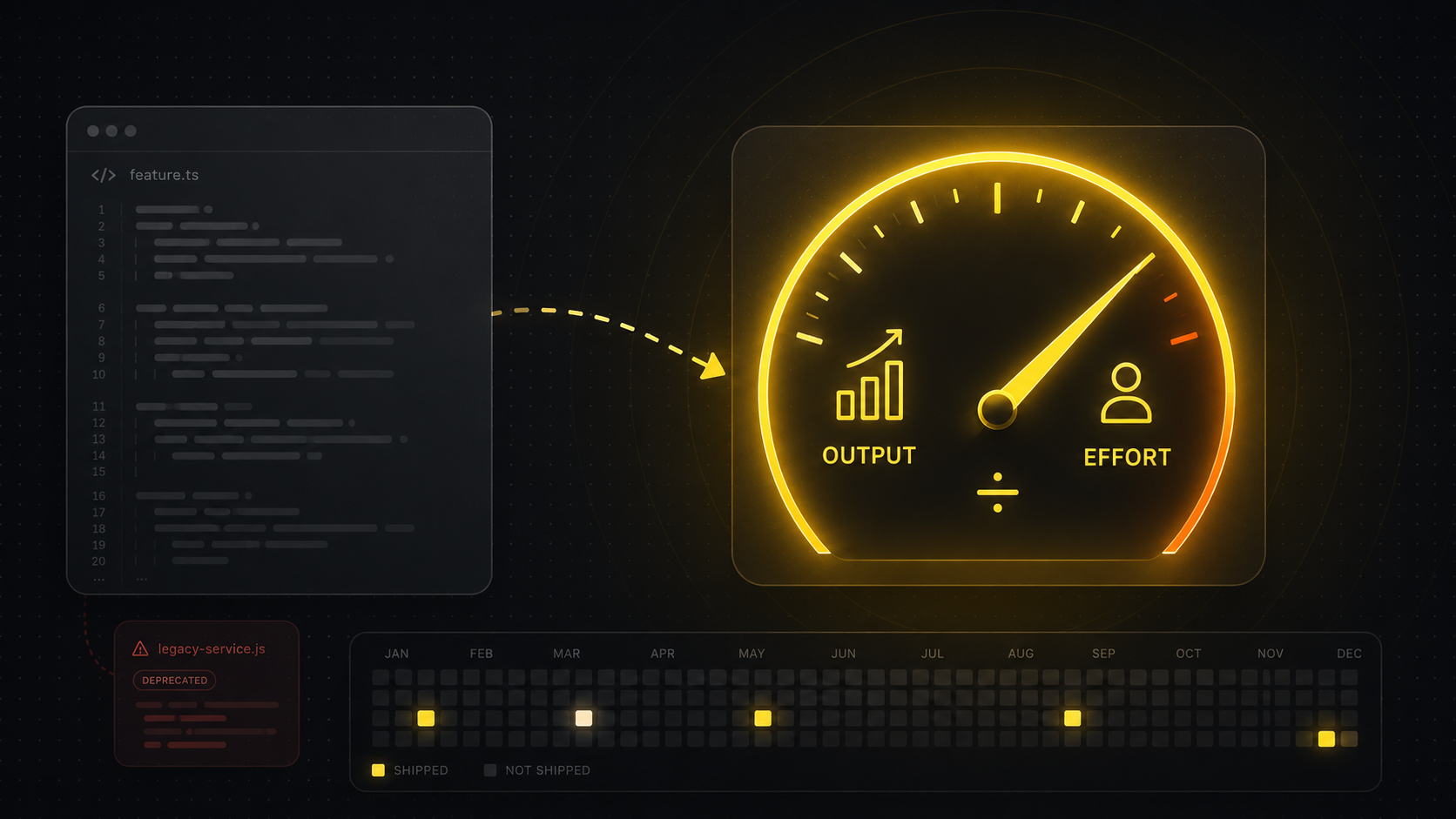
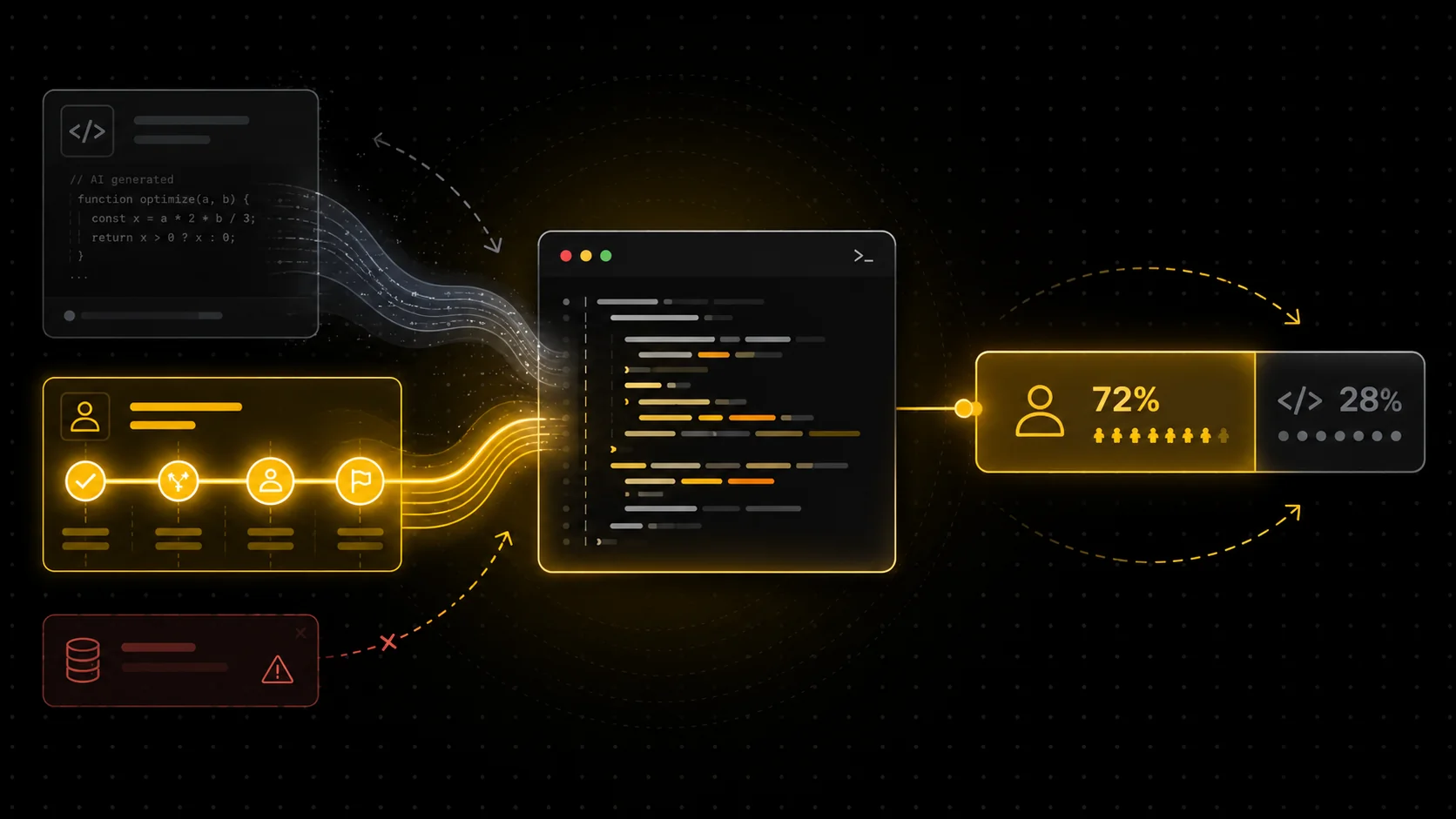
A commit history is a timestamped record of when work landed. That gives you three usable signals: when you were active at all, how your activity clustered into sittings, and how long the quiet gaps were. Those are rhythm signals, and rhythm is what a time estimate is built from. What the history does not encode is effort. A commit is a snapshot of output, and output stopped correlating with time once AI became the default way to ship. Claude Code or Cursor can produce a four-figure diff in under a minute, while a one-line fix can sit on top of an hour of reading and deciding. I covered why this breaks naive git math in why git commits don't reflect actual work.
This is why every credible approach estimates from timing and ignores size. The commit's diff is a claim about effort. The spacing between commits is closer to evidence. Build on the evidence.
A practical method to estimate developer hours from commits
Most developers hit this need at invoice time, or when a client asks "how long did that actually take?" and the honest answer is a shrug. Here is the session-reconstruction method, the same family of logic most git-based estimators use. You can run it by hand on a small project or script it in twenty lines.
- Pull the timestamps.
git log --author="you" --pretty=format:"%ad" --date=isogives you every commit time. Use author date, not commit date, and include every branch you worked on (--all), otherwise squashed or merged work disappears. - Sort and group into sessions. Walk the list in order. If the gap to the previous commit is under your threshold, it belongs to the same session. A two-hour threshold is the common default: shorter undercounts thinking-heavy work, longer starts merging your morning into your evening.
- Add a lead-in per session. The first commit of a session is never the first minute of work. Add a flat 30 to 60 minutes per session to cover setup, reading, and the ramp-up before anything was worth committing. Pick one value and keep it consistent.
- Sum the sessions. Session time is (last commit minus first commit) plus the lead-in. Add them up per day, per week, or per project.
- Calibrate against a known week. Take one week where you roughly know your real hours and compare. If the estimate runs 20 percent low, apply that correction going forward. Without this step you have a formula; with it you have something closer to a measurement.
In practice the method is honest about being an estimate. Two knobs (gap threshold and lead-in) move the result meaningfully, which is exactly why the calibration step exists.
A worked example
Say you want to invoice a client for last Tuesday. Your log for that day, across branches, looks like this:
| Commit time | Gap to previous | Session logic |
|---|---|---|
| 09:42 | n/a | Session 1 starts (add 30 min lead-in, so 09:12) |
| 10:15 | 33 min | Same session |
| 11:50 | 95 min | Same session (under 2 h) |
| 15:30 | 3 h 40 m | New session, Session 2 (lead-in from 15:00) |
| 16:05 | 35 min | Same session |
| 19:58 | 3 h 53 m | New session, Session 3 (lead-in from 19:28) |
| 20:10 | 12 min | Same session |
Session 1 runs 09:12 to 11:50, which is 2 h 38 m. Session 2 runs 15:00 to 16:05, which is 1 h 5 m. Session 3 runs 19:28 to 20:10, which is 42 m. Total: about 4 h 25 m. That is a number you can defend, because every minute of it traces back to a timestamp in the repository. Compare that with the usual alternative, a timesheet filled in from memory on Friday, and you can see why manual timesheets tend to lie in both directions.
You will often see the estimate feel slightly low, and that is expected. It cannot see the 40 minutes you spent in the issue tracker, the design doc, or a pairing call that produced no commit. That is the structural ceiling of git-only estimation, not a bug in your arithmetic.
Where the git-only estimate breaks
This is usually the point where someone scripts the method, runs it on a real month, and finds a few days that look obviously wrong. The failure modes are predictable, and almost always one of these.
AI-heavy sessions are the big one. When an agent does the bulk of the typing, your commits get larger and sparser while your real engagement (prompting, reviewing, steering) stays continuous. The session logic still catches the timing, but long uncommitted stretches of review work fall outside the window, and the estimate drifts lower the more you lean on agents. Squash-and-merge workflows are the second: a week of work can collapse into one timestamp, which is why step 1 says to include working branches. Erratic committers are the third. The method rewards small, frequent commits, and for someone who batches everything into two commits a day, the gaps between commits are mostly noise.
This is what actually separates a benchmark from a clock. The estimate is a reconstruction of rhythm from output, and it degrades exactly where output and effort come apart. If you want the accurate layer, you need something watching the work as it happens rather than inferring it afterwards. Tools like WakaTime do this with a plugin in every editor; if you would rather not maintain per-editor plugins, there are tracking approaches that skip the IDE plugin entirely, and a comparison of WakaTime alternatives if you are evaluating that route.
From estimate to invoice
Freelancers and contractors are the people who most often need this number to be money-grade, so it is worth being clear about what a client will and will not accept. A git-derived estimate is strong evidence: it is timestamped, it is reproducible, and it cannot be padded after the fact without rewriting history. That makes it far more defensible than a memory-based timesheet. It is still an estimate, though, and presenting it as a measured clock invites exactly one awkward question.
The clean pattern is to present sessions, not just totals: "three working sessions on Tuesday, 09:12 to 11:50, 15:00 to 16:05, 19:28 to 20:10, anchored to the attached commit log." Anyone can audit that against the repository. This is the proof angle in miniature: a claim ("I worked 4.5 hours") becomes credible the moment it is anchored to a record someone else can check. The fuller invoicing workflow, including rates and what to do about non-coding time, is covered in time tracking for invoicing.
Where DevClocked fits
If you only need a rough retrospective on a side project, the script above is enough and installing anything would be overkill. The same is true if your client already trusts you and just wants a round number. DevClocked earns its place when the number has to be both accurate and provable on an ongoing basis. Connect git and it runs a session-reconstruction baseline like the one above with nothing to install. Add the lightweight editor extension or the editor-agnostic CLI tracker and it layers telemetry on top: real activity signals that catch the AI review stretches, the uncommitted thinking time, and the agentic sessions (Claude Code, Cursor, Codex) that git-only math misreads. A model learns the relationship between your commits and your measured time, so the calibration step you would do by hand happens continuously. The output is calibrated hours, Work Blocks you can attach to an invoice, and a record audited to source rather than asserted. Full disclosure: I build DevClocked, and the git-only baseline above is genuinely fine for plenty of cases. The full pipeline, from estimation logic to telemetry, is described in how to track coding time from git.
Common mistakes
A few errors show up in almost every first attempt at this. Counting commits or summing diff sizes as a proxy for hours is the classic one, and AI has made it strictly worse. Running the log on a single branch and missing squashed work is the second. Using commit date instead of author date silently shifts rebased work to the wrong day. Tuning the gap threshold per project until the number "looks right" defeats the point; pick a convention, calibrate once, and keep it. And quoting the result to a client as exact measured time rather than a documented estimate is the one that comes back to bite.